It clicks in ninety seconds.
See how Bao links an account to turn a messy pile of transactions into a clear, easy-to-read picture.
Connect
See where you stand
Set a goal
About ninety seconds, start to finish.
Go from scattered to settled in the time it takes to brew a cup of coffee.
01
One-time setup
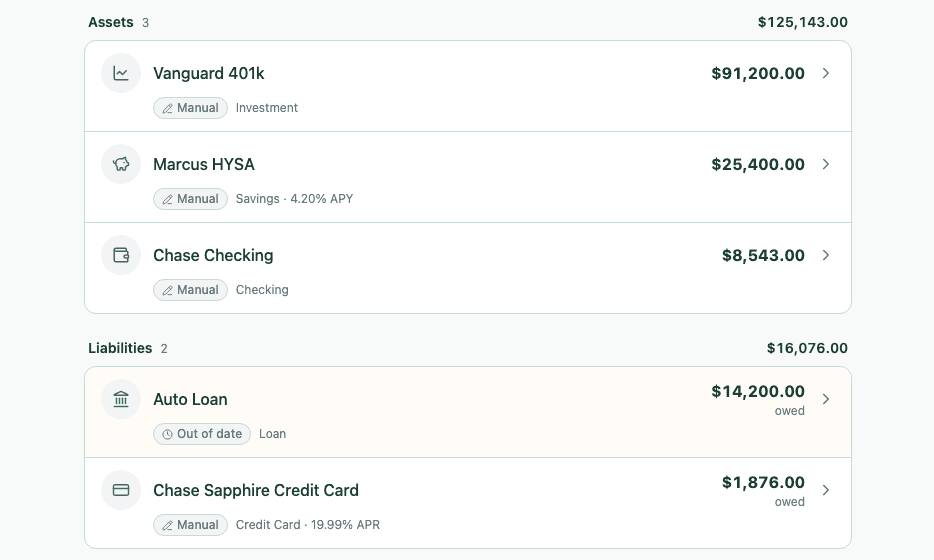
Connect your accounts in just a few taps, and Bao will automatically sync your balances and transactions.
- See all your accounts in one place
- Bao syncs and organizes your transactions for you
- Privacy and security first
02
See where you stand
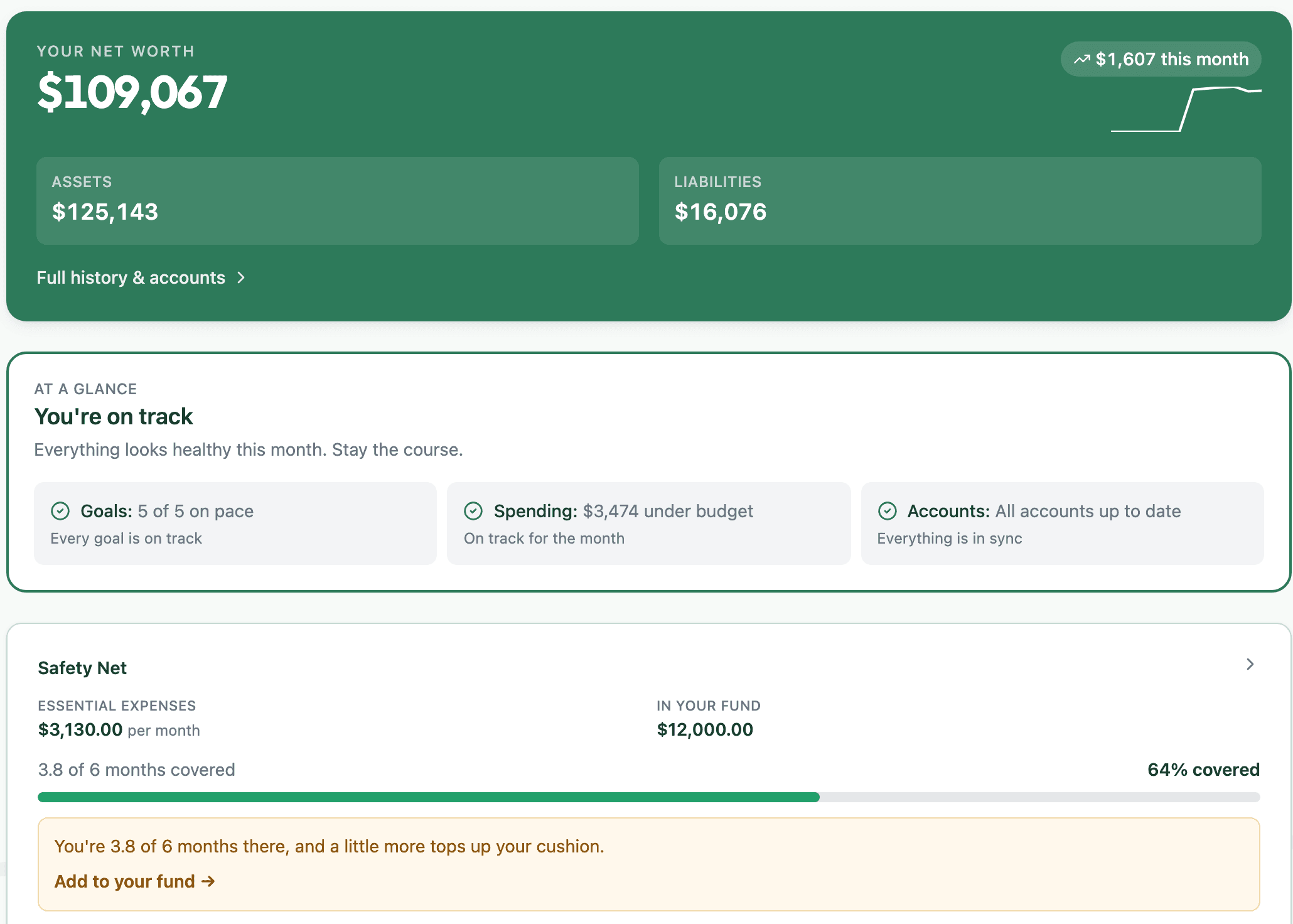
Your net worth and cash flow update automatically. No manual tracking or data entry required. Just one glance tells you if you're on track.
- Always know your current net worth.
- See your progress instantly without getting bogged down in the details
- Always know how up-to-date your data is.
03
Go after what you want
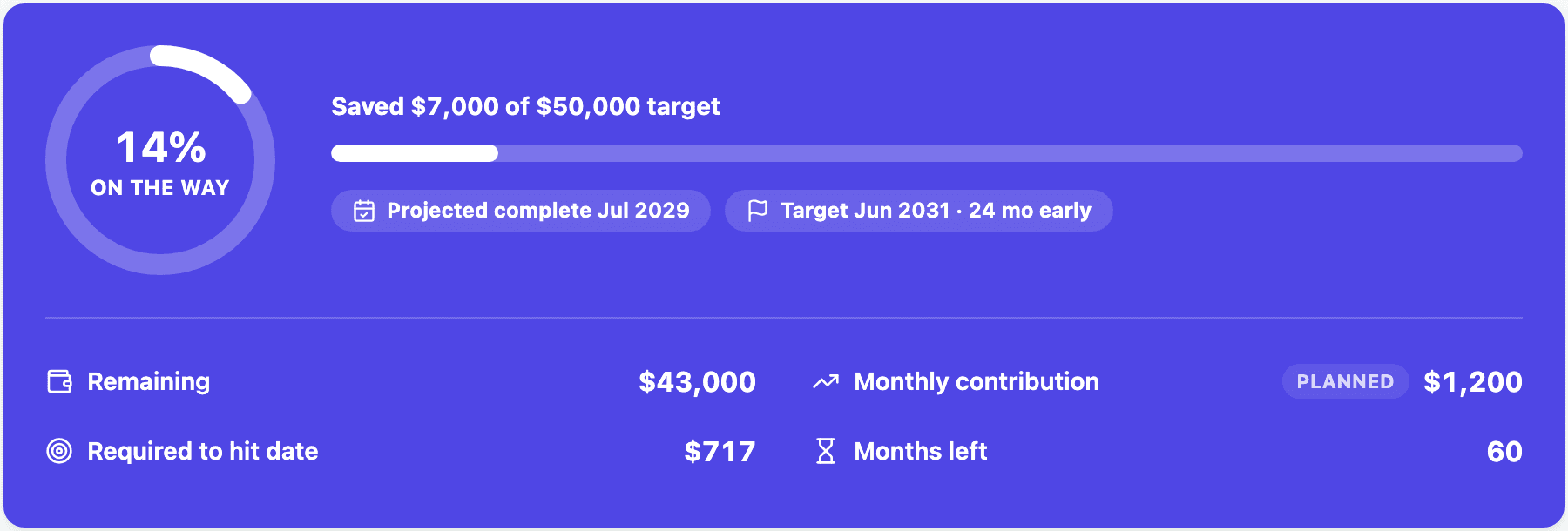
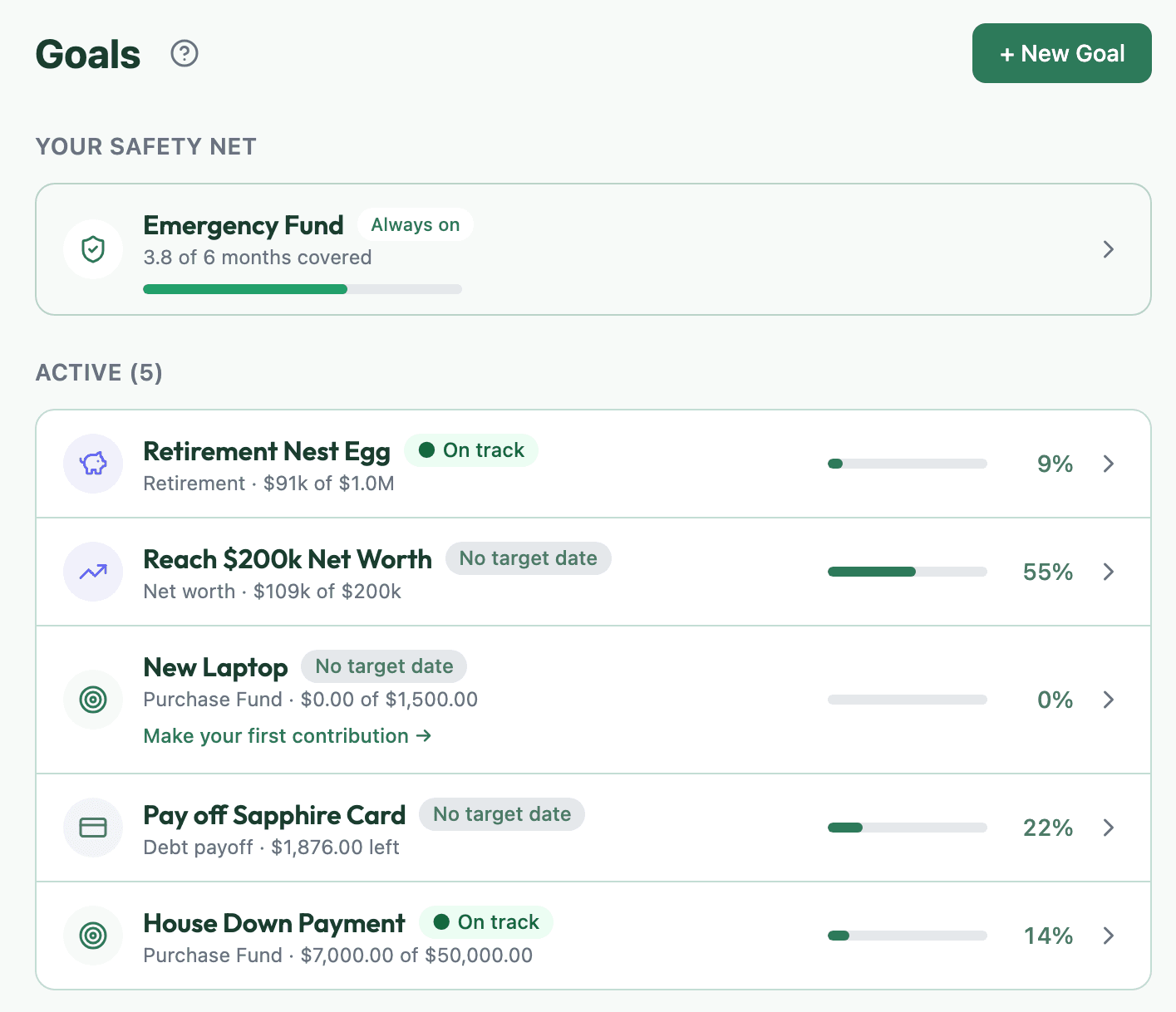
Just name your goal. Whether it's a dream trip, a rainy-day fund, or a down payment. And Bao will map out a realistic timeline to help you get there. Bao will celebrate your progress on the good weeks and offer guidance on the slower ones.
- Simple goals you'll actually fund
- See how inflation and different scenarios affect your plans
- A friendly nudge from Bao, to keep on track